> For the complete documentation index, see [llms.txt](https://docs.vecomlab.com/llms.txt). Markdown versions of documentation pages are available by appending `.md` to page URLs; this page is available as [Markdown](https://docs.vecomlab.com/ecom-foundations/store-creation/task-19.md).
# Task #19: Online Store - Customize
Shopify Store Setup Guide: Free Dawn Theme, Step by Step with Helpful Tips.
### Purpose
Set up the Dawn theme.
{% embed url="" %}
A detailed guide to setting up and designing a Shopify store! The video tutorial demonstrates the process step by step with helpful tips.
### Description
* Homepage, product page, and checkout
### Instructions
1. Homepage
2. Product Page
3. Checkout
### Actions
All stores in this guide are built on the basic Dawn theme from Shopify. Examples can be found at the following links: [birdiekitty.myshopify.com](https://birdiekitty.myshopify.com/) and [organkitty.myshopify.com](https://organkitty.myshopify.com/) (password: volkovecom).
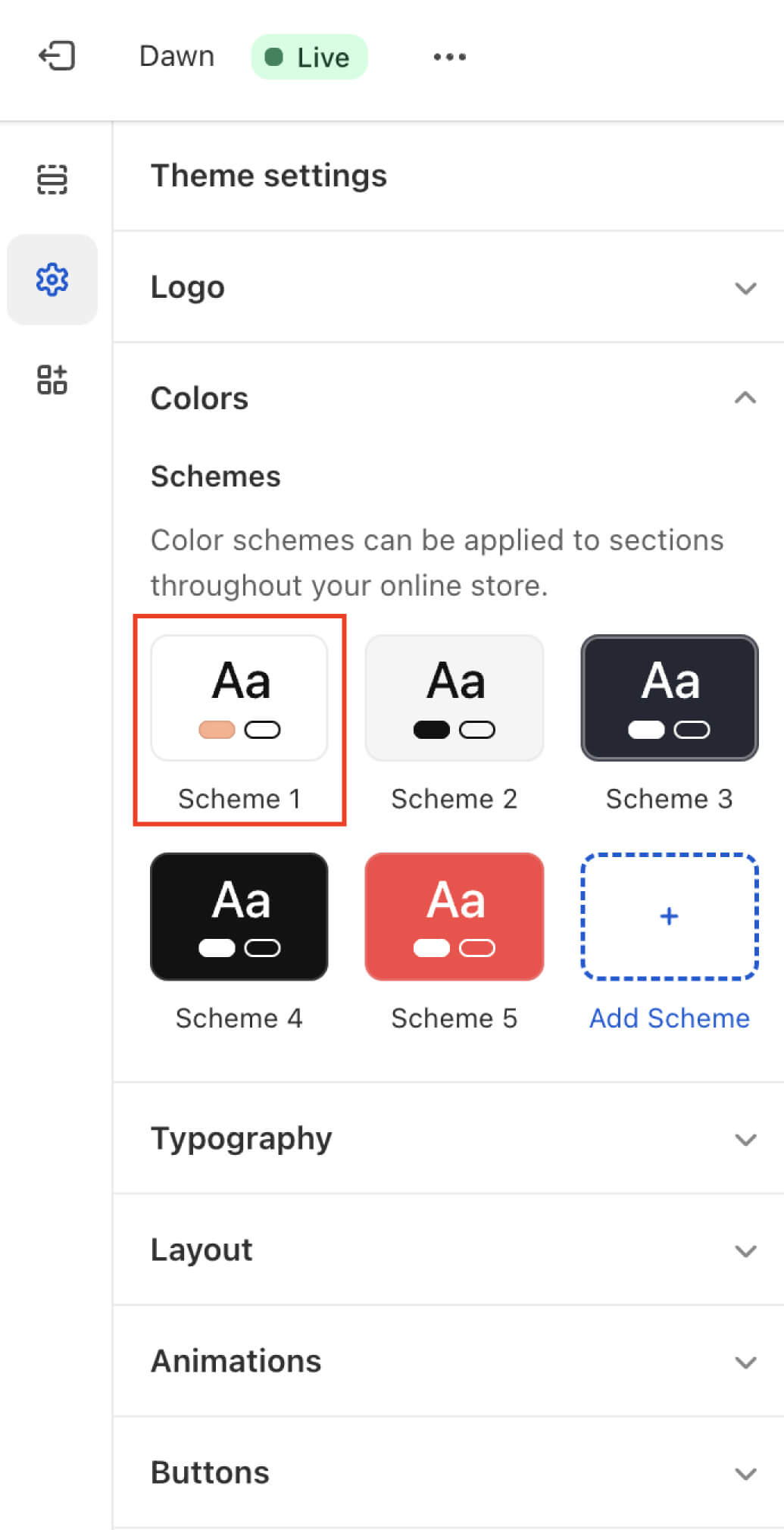
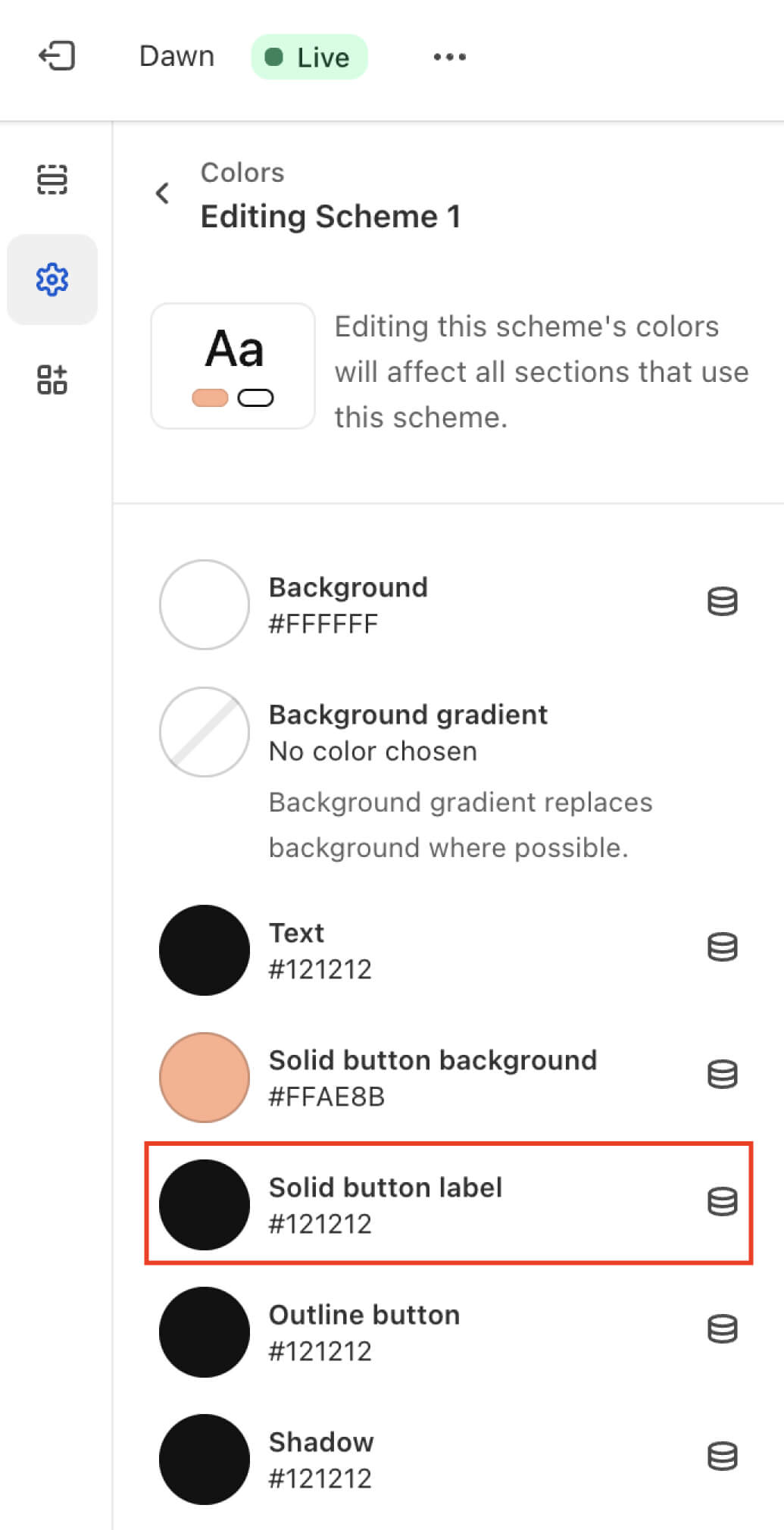
### How to change the text color of a button