> For the complete documentation index, see [llms.txt](https://docs.vecomlab.com/llms.txt). Markdown versions of documentation pages are available by appending `.md` to page URLs; this page is available as [Markdown](https://docs.vecomlab.com/shopify-theme-setup/dawn/youtube-video-with-text.md).
# How to Add a Video (YouTube Video With Text)
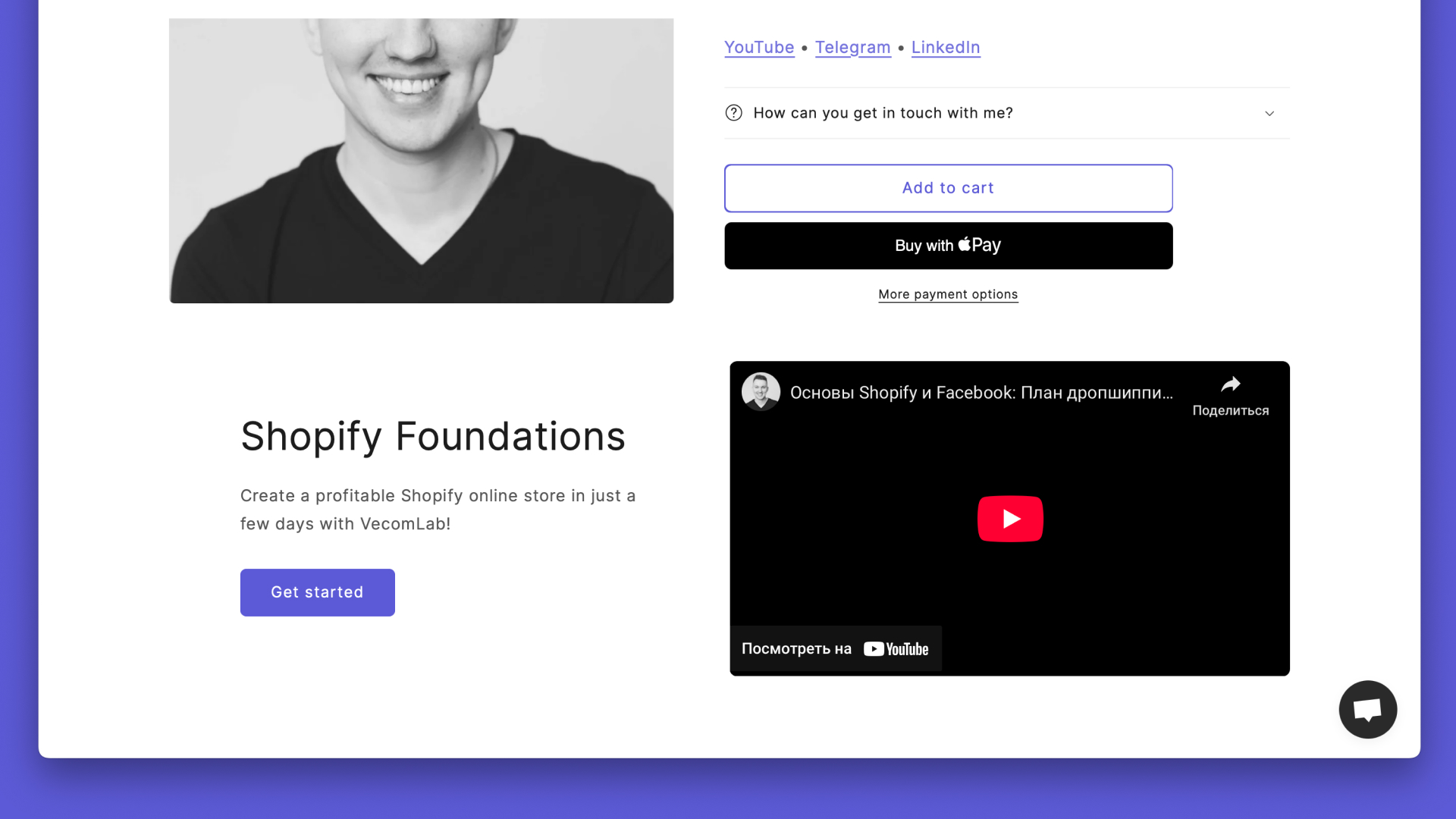
A step-by-step guide on how to add a YouTube video to the “Image with Text” section in the Dawn theme for Shopify using code — free and without any apps.
*Relevant for Dawn theme version 15.3.0*
***
{% hint style="info" %}
If you want to avoid coding, try the [Shrine](https://vecomlab.com/shrine) theme.
[Shrine](https://vecomlab.com/shrine) offers over 120 built-in features that help improve conversion rates and increase the average order value, without the need to configure additional apps or pay for subscriptions. Everything is customizable without code, saving you time and resources.
Use Shrine − 15% OFF
Your discount code: `VECOMLAB`
{% endhint %}
### 1. Go to the code editor
Online Store → Themes → Edit code.
### 2. Open the file `image-with-text.liquid` in the `sections` folder
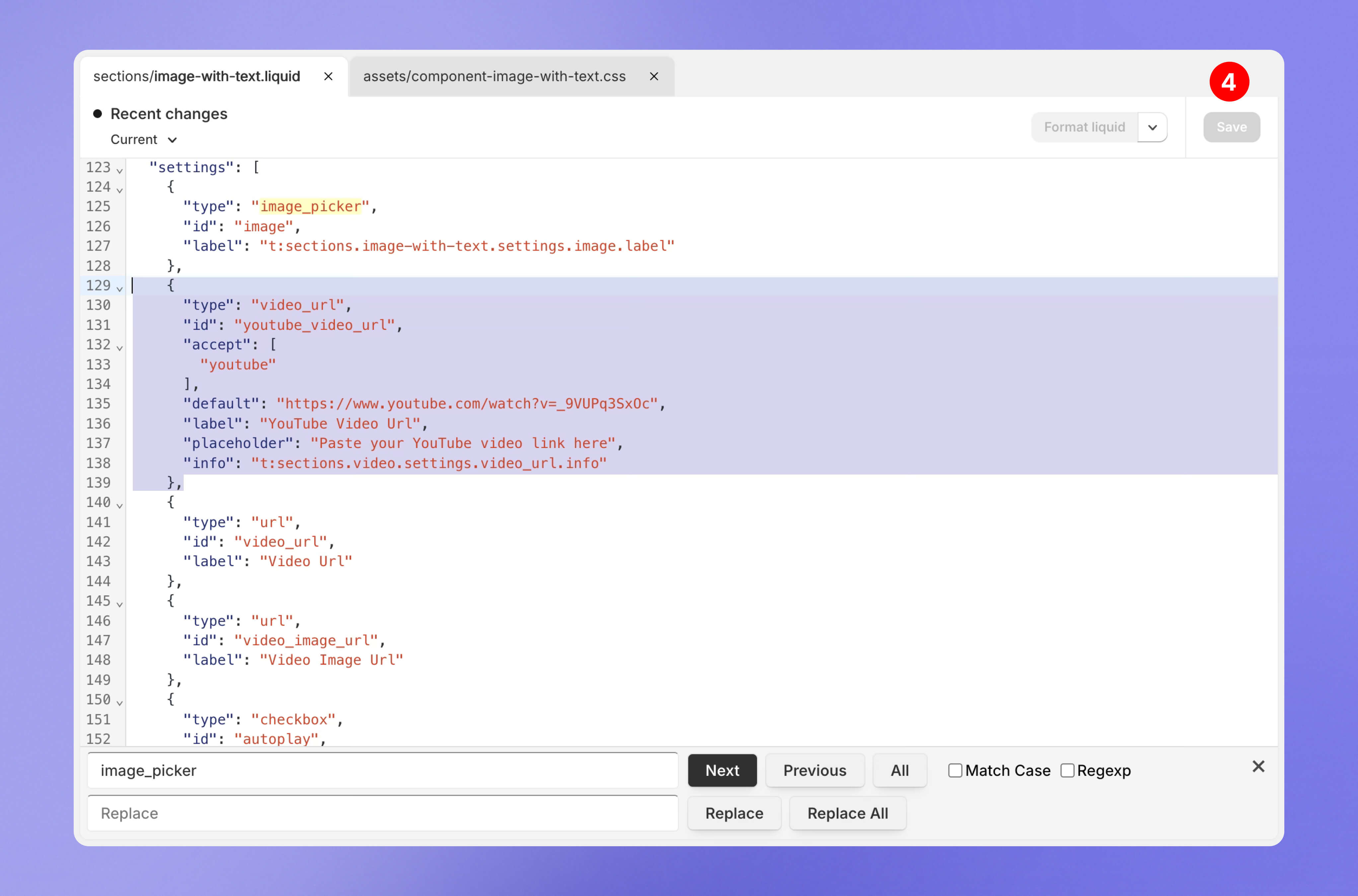
Find `image_picker` and insert the code.
```
{
"type": "video_url",
"id": "youtube_video_url",
"accept": [
"youtube"
],
"default": "https://www.youtube.com/watch?v=_9VUPq3SxOc",
"label": "YouTube Video Url",
"placeholder": "Paste your YouTube video link here",
"info": "t:sections.video.settings.video_url.info"
},
```
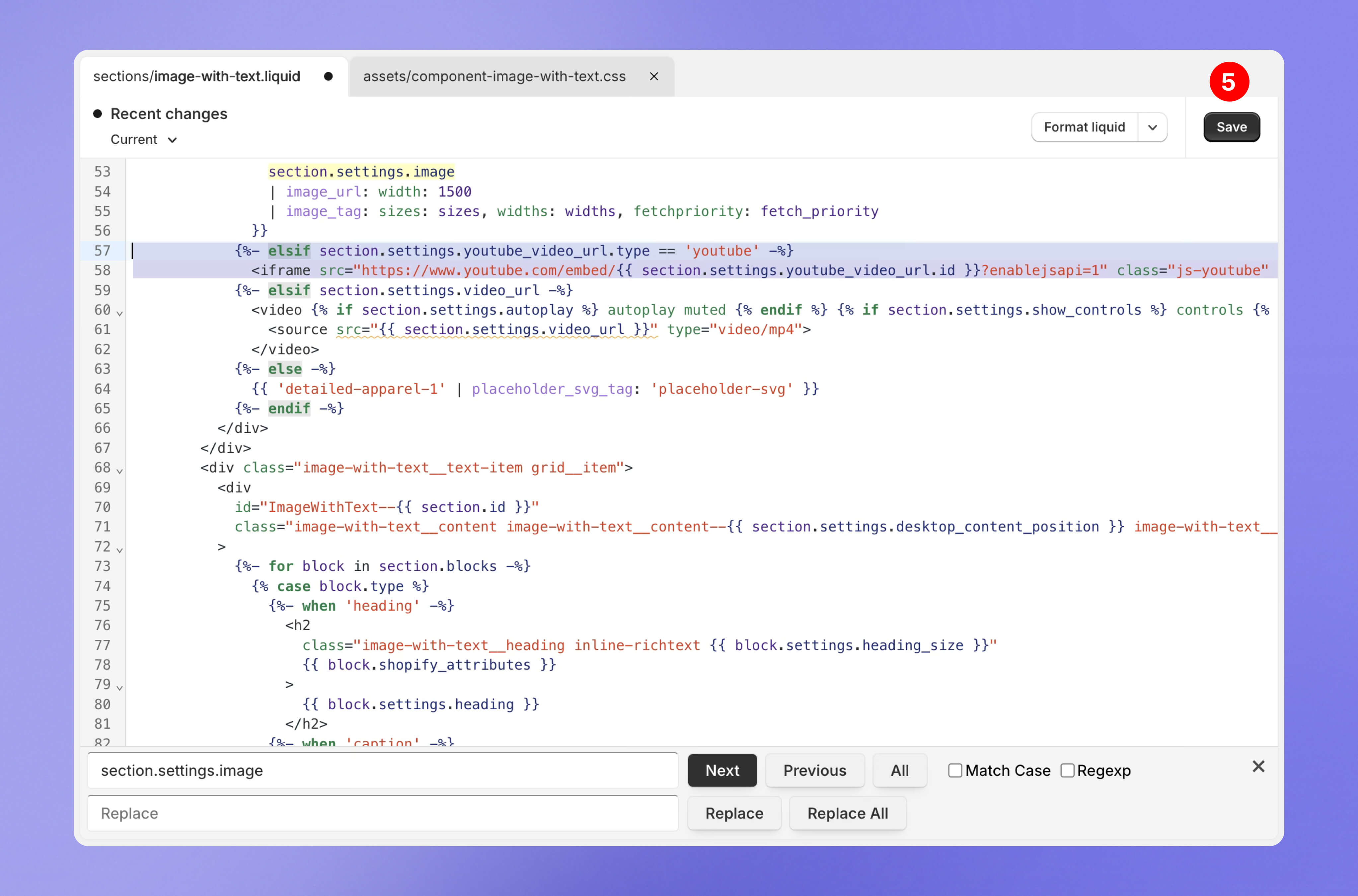
Find `section.settings.image` and insert the code.
```
{%- elsif section.settings.youtube_video_url.type == 'youtube' -%}
```
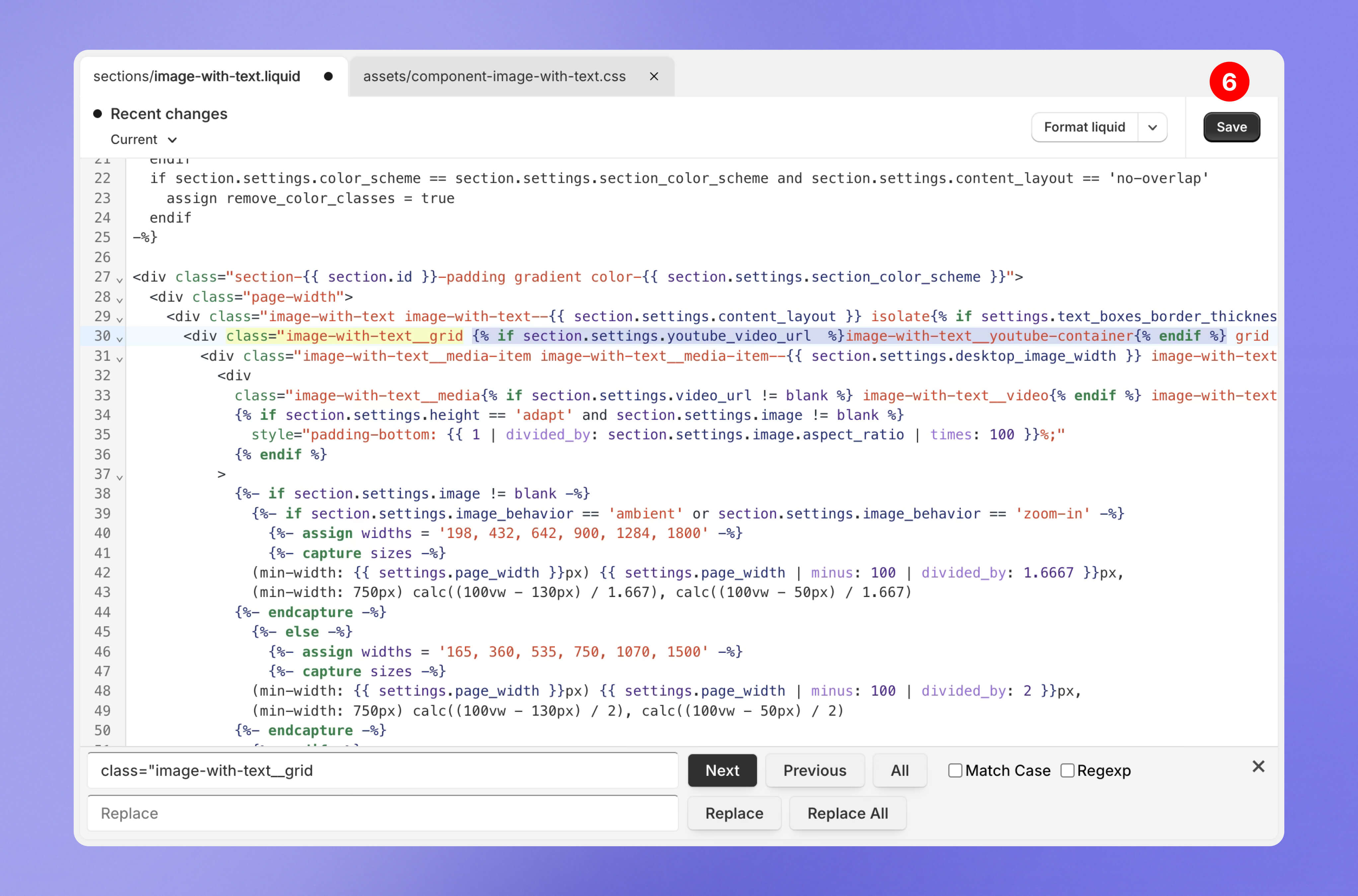
Find `class="image-with-text__grid"` and insert the code.
```
{% if section.settings.youtube_video_url %}image-with-text__youtube-container{% endif %}
```
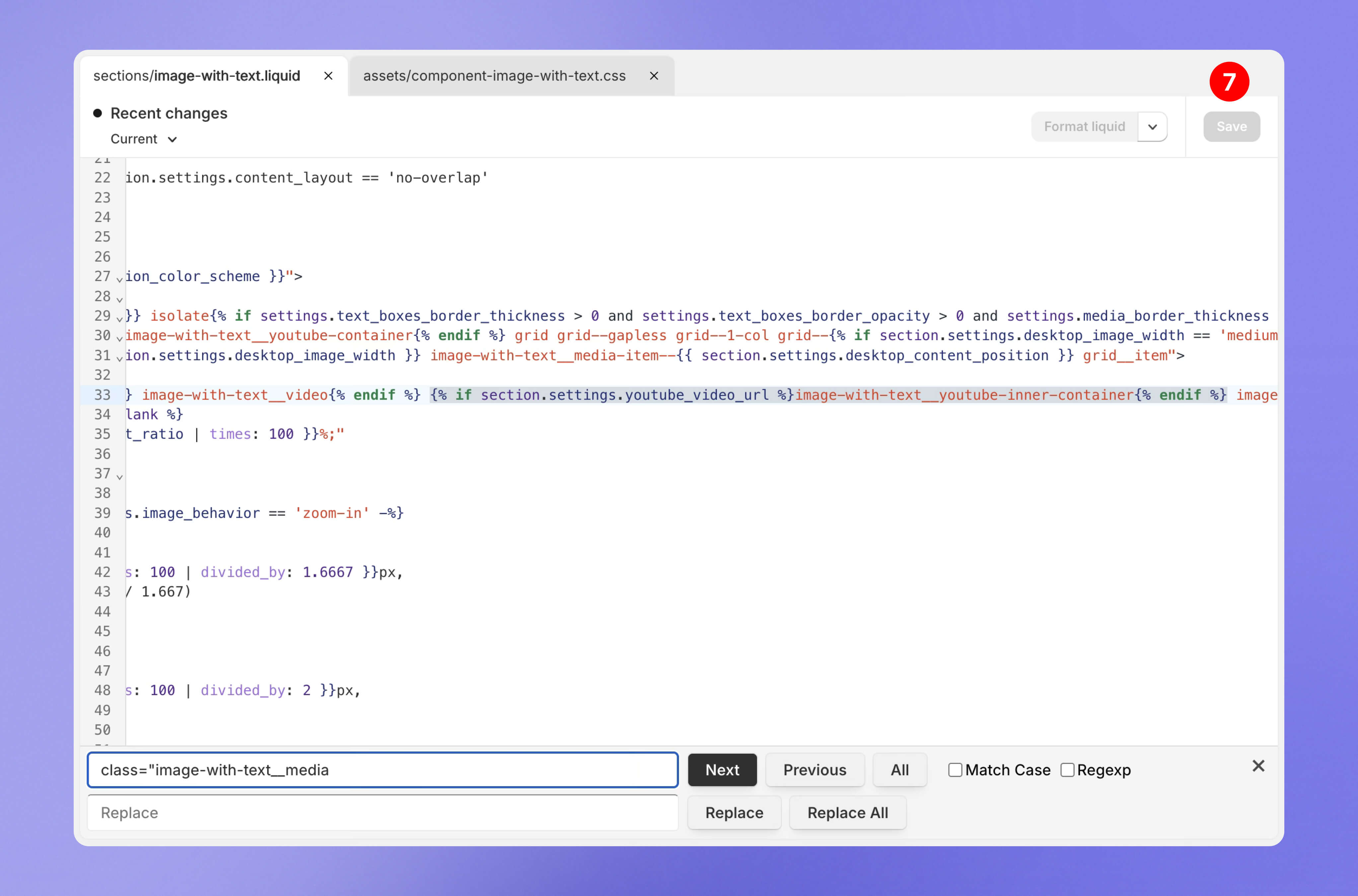
Find the line with `class="image-with-text__media"` and insert the code right after `image-with-text__video{% endif %}`.
```
{% if section.settings.youtube_video_url %}image-with-text__youtube-inner-container{% endif %}
```
If you have already completed these adjustments:
{% content-ref url="/pages/9hub7hdUk81xMITbPWFP" %}
[How to Add a Video (Video With Text)](/shopify-theme-setup/dawn/video-with-text.md)
{% endcontent-ref %}
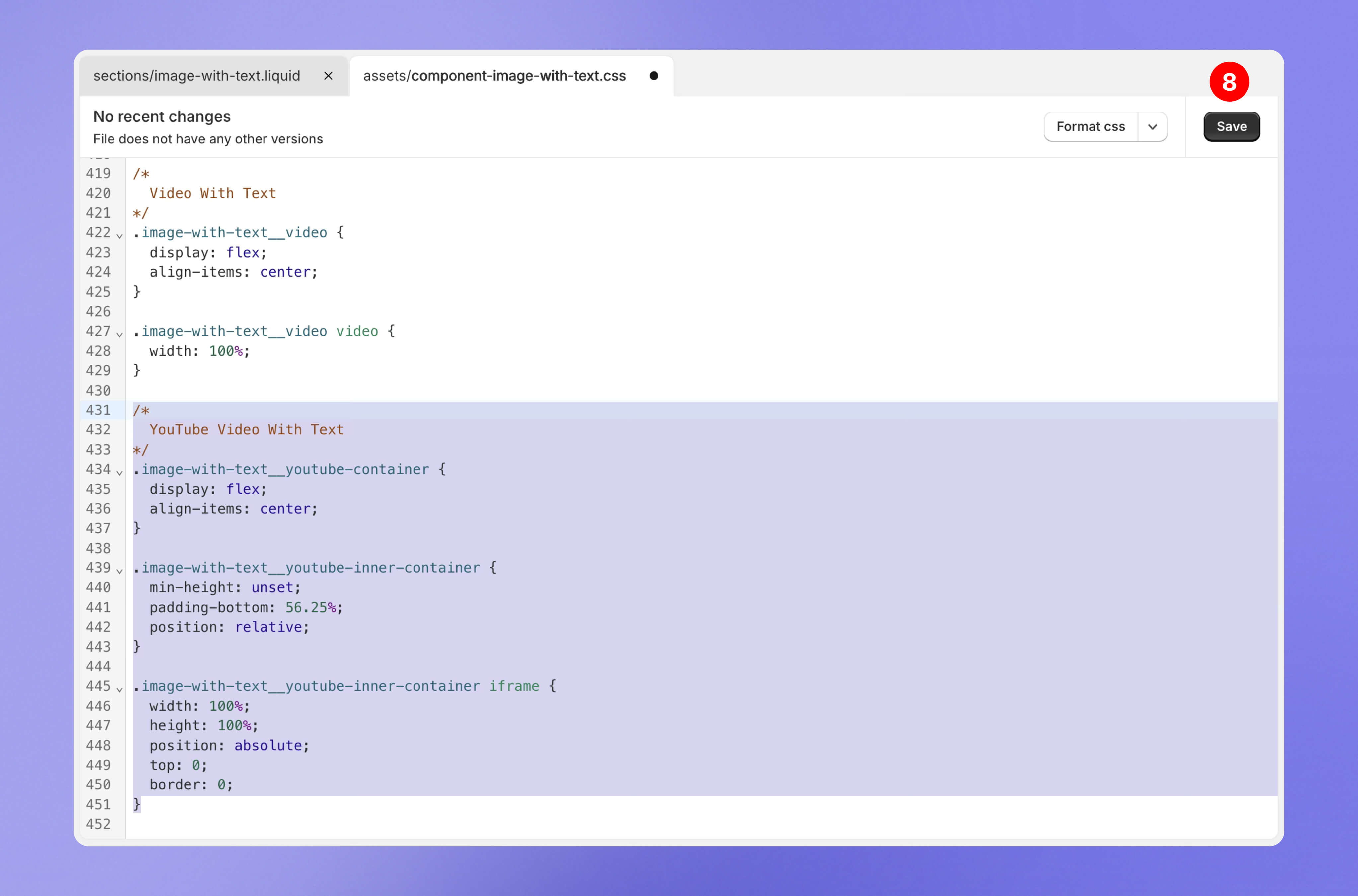
### 3. Open the file `component-image-with-text.css` in the `assets` folder
Paste the styles at the end of the file.
```
/*
YouTube Video With Text
*/
.image-with-text__youtube-container {
display: flex;
align-items: center;
}
.image-with-text__youtube-inner-container {
min-height: unset;
padding-bottom: 56.25%;
position: relative;
}
.image-with-text__youtube-inner-container iframe {
width: 100%;
height: 100%;
position: absolute;
top: 0;
border: 0;
}
```
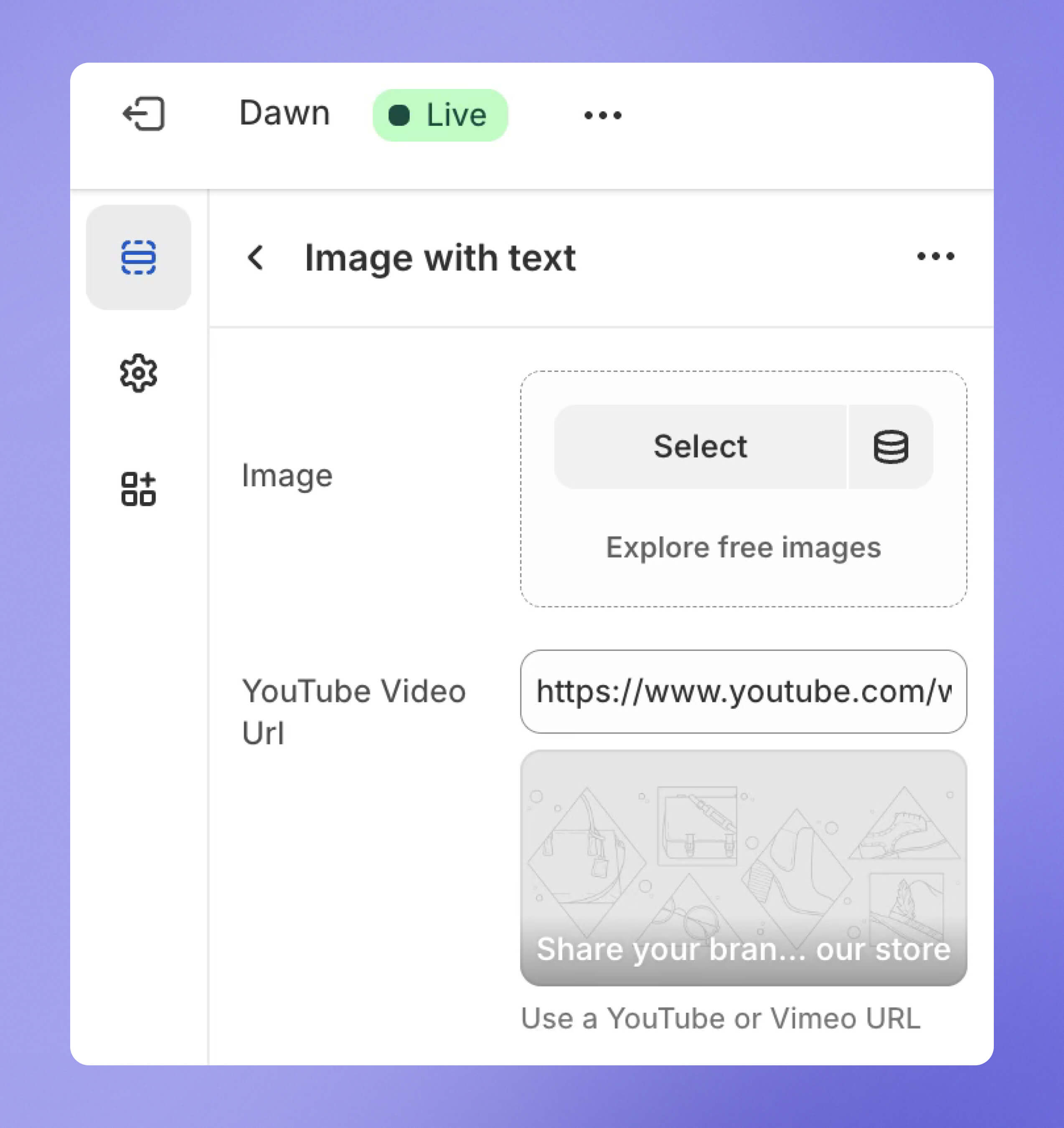
Save the changes and add the video link in the theme settings.
***
*Need help with setup?* [*Contact us*](https://vecomlab.com/pages/contact) *— we’ll handle everything for you.*